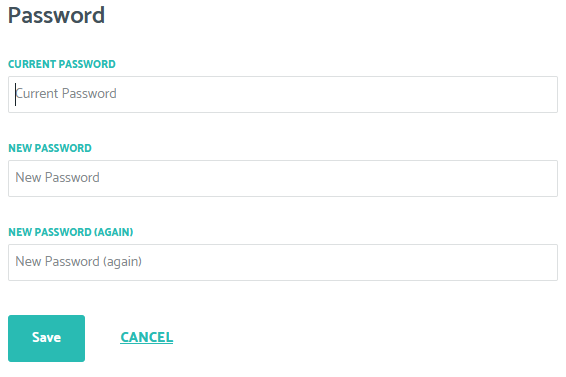
All beta test accounts are created with a randomly generated and secure password. Most users will likely find this difficult to remember and may want to change their passwords. They can do this simply by visiting their account profile page.
Steps to change your password
1) Go to your account profile page: https://account.beta.qlinicalrx.com/account/#profile
2) Click on the "EDIT" button in the "Password" section

3. Fill in the fields and click the Save button to change your password.